Smart home hardware
Raspberry Pi
or mini PC?
What should run your smart home? Start with the services the hardware needs to handle every day.
Compare the options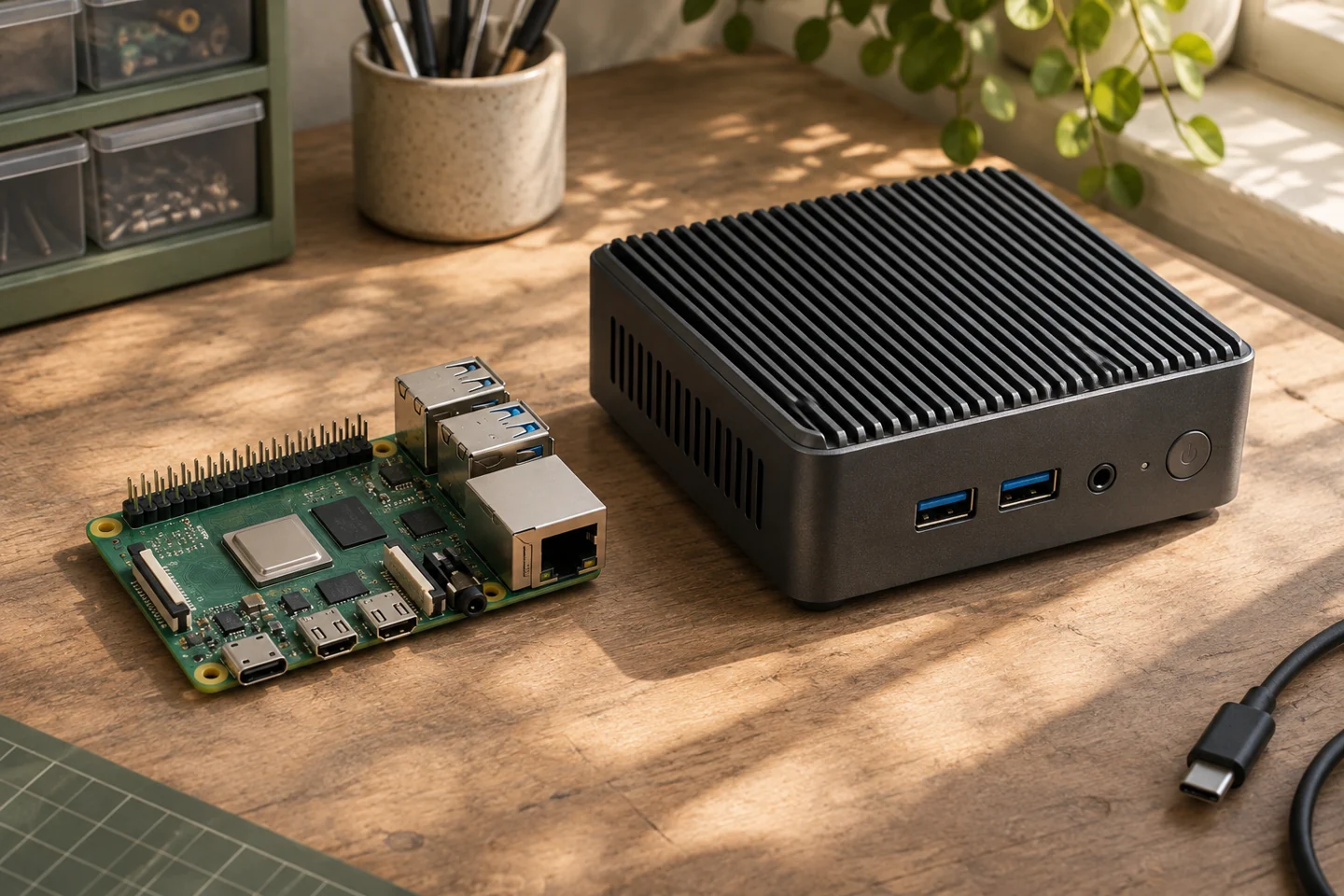
The computers I use
- Raspberry Pi 3 Model B
- Web server for this site, running Raspberry Pi OS Lite and Nginx.1 GB RAM · 32 GB boot drive · 1.2 GHz Broadcom BCM2837
- Raspberry Pi 4 Model B
- MQTT broker and network storage on my home network.Rev. 1.2 · 4 GB RAM · 32 GB microSD · 1.5 GHz Broadcom BCM2711 as listed
- Beelink SER5 MAX
- My Batocera retro gaming project.As listed: Ryzen 7 6800U (8 cores, 16 threads, up to 4.7 GHz) · 16 GB LPDDR5 · 500 GB PCIe 4.0 SSD
What will you run?
Start with the jobs you have in mind: a small website, a home automation controller, or several services that need to store a detailed history.
Raspberry Pi
An existing Pi gives you an easy way to experiment. For a new openHAB installation, the project recommends a dedicated Raspberry Pi 4 or newer.
- Suited to a dedicated task and small services.
- Budget for a power supply, case and storage.
- Consider SSD storage if you record measurements frequently.
Mini PC
A mini PC makes sense if you want openHAB, an MQTT broker and a database for dashboards on the same machine.
- Many models make RAM and SSD upgrades easier.
- Check the condition, network port and idle power draw.
- For used hardware, check whether the power supply is included.
Three questions before you buy
- What do you already own?
- Try the intended services on an existing Pi or mini PC. Check memory use and responsiveness.
- Which devices will you add?
- Allow for USB radios, Ethernet, measurement storage and backups.
- What will it cost to run?
- Compare the complete parts list and measure power draw at the wall. A constant 5 W difference comes to about 44 kWh per year.
Choose a controller
Why I use openHAB to bring my EV charger, solar inverter and smart plugs together.